Product
Keep every viable location within reach.
Save a promising location from any search and it lands in your library — with its read intact — so you can find it again by name, place, look, or mood, long before it becomes a shortlist.
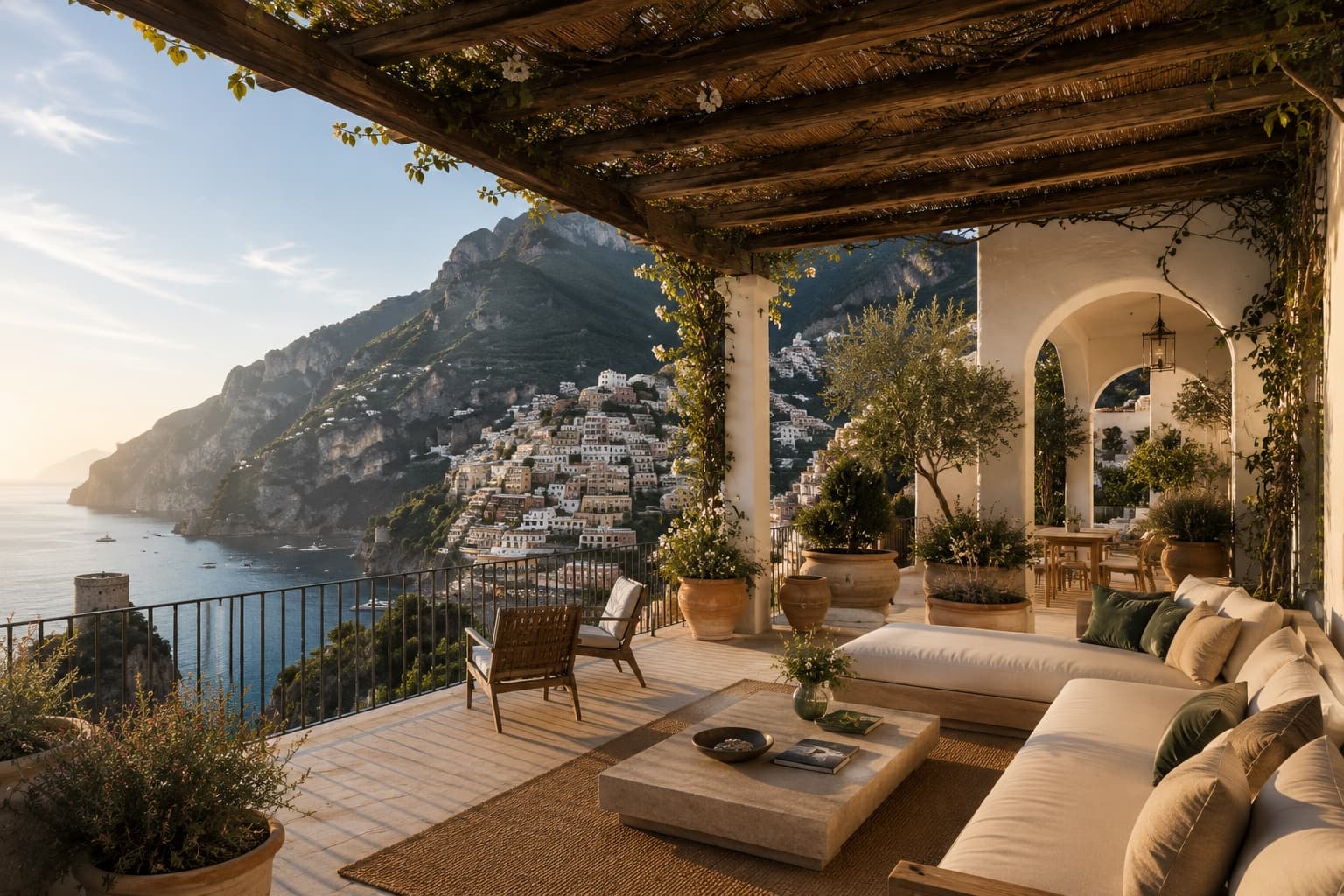

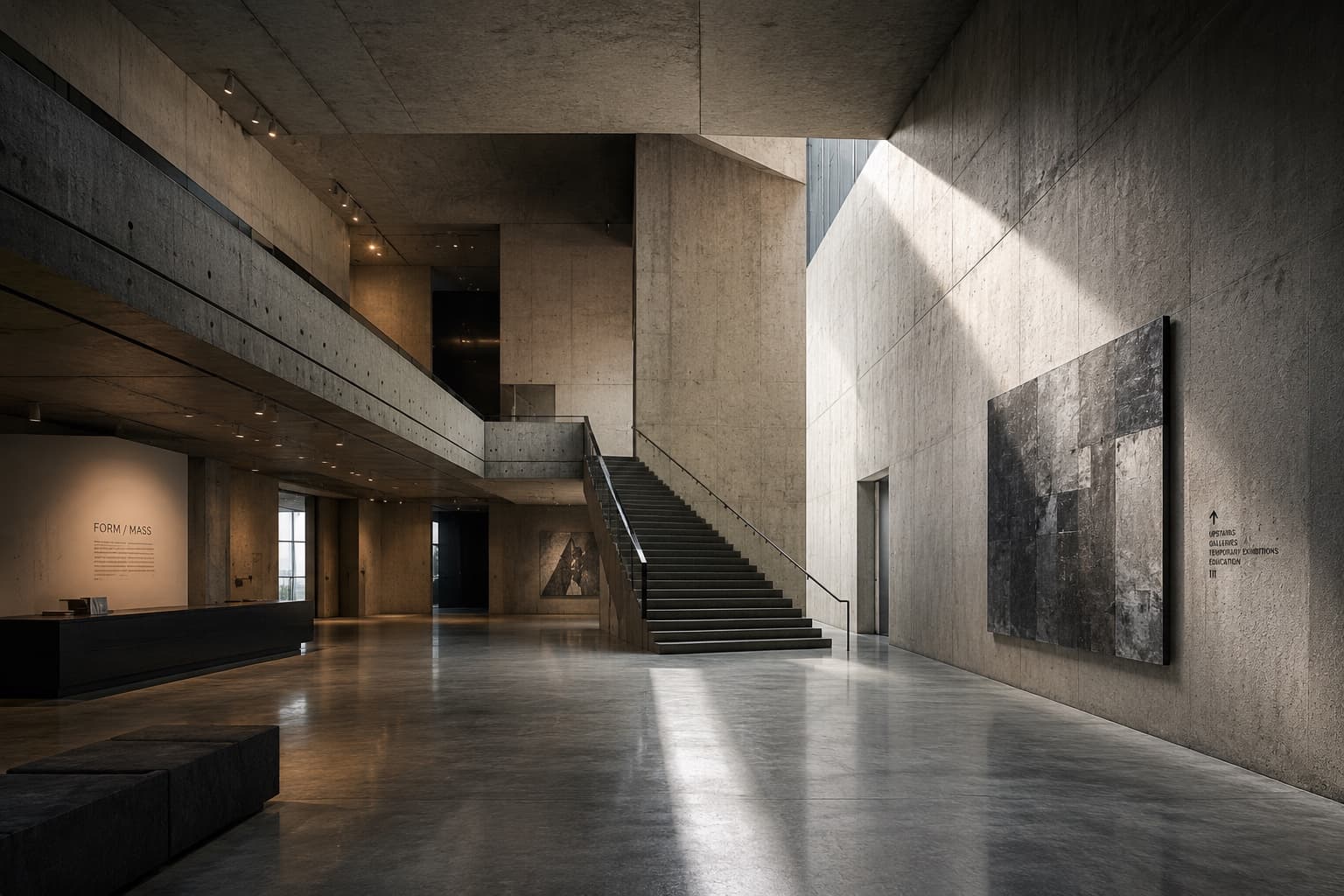
An illustrative library — the search, sort, filter chips, and saved-location metadata are the real workspace.
Capture
Save it the moment it catches your eye.
Scouting turns up more than one shoot can use. Saving keeps the good ones without the pressure of deciding yet.
Saving keeps the evaluated location itself — its read, images, and score — not a screenshot or a bare pin.
One tap on a result saves it; “Save trip” keeps a whole search together under its city.
Your library syncs across devices and stays private to you.
Context & recall
Saved with the reason, found by it too.
Each saved location keeps a note on what you’d shoot there, the search that surfaced it, its visual tags, and its read — and your whole library is searchable across all of it, sorted and filtered so nothing gets lost.
Your note
“What do you want to shoot here” — kept with the location.
Where it came from
The search that surfaced it, and its scout read.
Find it again
Search by name, place, look, mood, or material; filter by type or noted.
Into active work
The starting point for everything downstream.
Group into Collections
Gather saved locations into named, reusable libraries you return to.
Add to a Project
Send saved locations into a project as candidates to compare and decide.
Compare & report
From a project, saved locations become a comparison set and a client-ready Scout Report.
Saved · Collections · Projects
Three tiers, one clear order.
Saved is the foundation. Collections give it structure. Projects turn it into a decision. Each does one job.
Saved
Every location you’ve bookmarked, in one searchable library. The layer everything else is built from.
Collections
Named creative worlds grouped from your saved locations, ready to reuse across briefs.
Explore CollectionsProjects
One shoot’s candidates, compared and decided toward an approved primary.
Explore ProjectsQuestions
Saved, answered.
What can I save?
Any location Scout returns — the whole evaluated place, with its read, images, and score intact, not a screenshot or a bare pin. One tap keeps it in your personal library.
How is Saved different from Collections?
Saved is the flat library of everything you’ve kept — the capture-and-return layer. Collections are named groupings you build on top of it. Deleting a collection never removes the locations; they stay in Saved.
What’s kept with a saved location?
Each save keeps a note on what you’d shoot there, the search that surfaced it, its visual tags, and its scout read. Your whole library is searchable across all of it, and filterable by type or by what you’ve noted.
How do I find something again?
Search your library by name, place, look, mood, or material; sort by most recent, name, or place; and filter with chips drawn from what you’ve actually saved. Nothing gets lost in a long list.
Can I move saved locations into active work?
Yes. Group saved locations into reusable Collections, or add them to a Project to compare and decide — the read travels with each location, so nothing has to be re-researched.
Where the workflow goes next.
Move saved candidates into Projects to decide, and group them into Collections to reuse.
Ready to scout?
Describe what you need and begin with a real brief.